Updated
Make an AI zombie couple hug from two photos
Make recognition and an embrace the center of a story with two adult portraits.
Create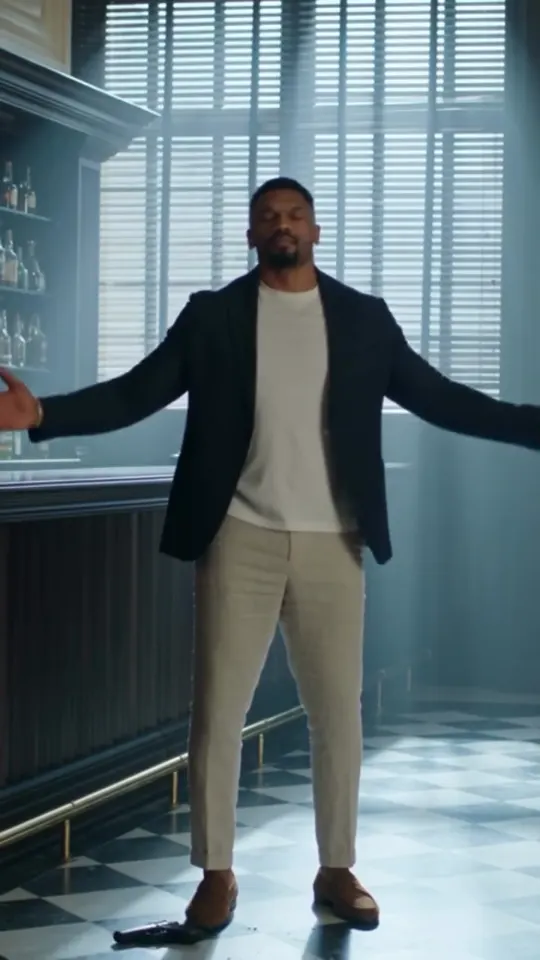
The short answer
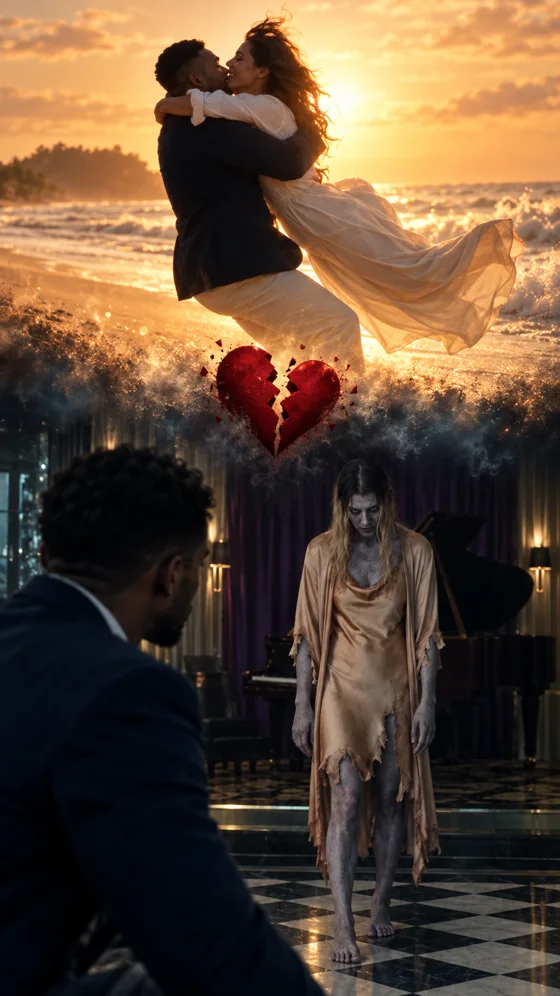
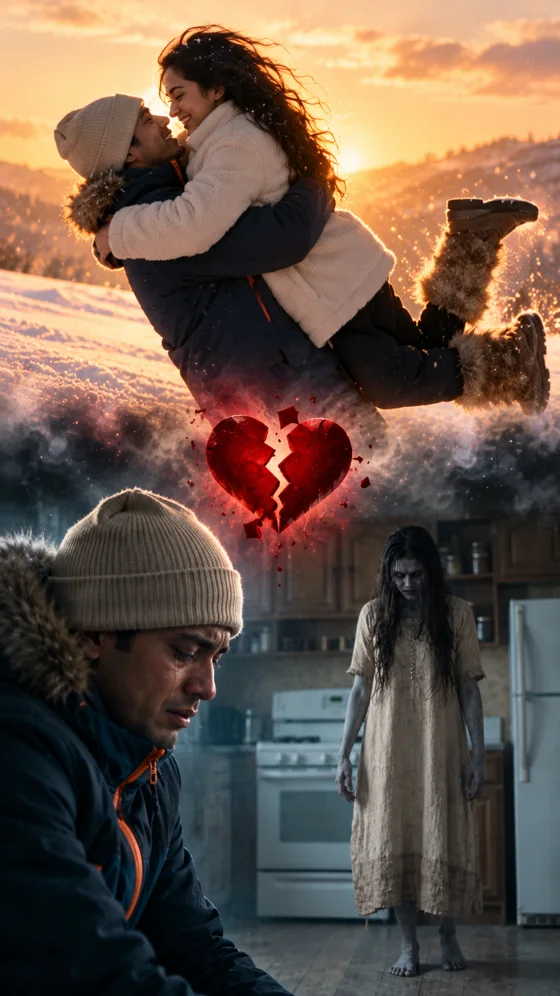
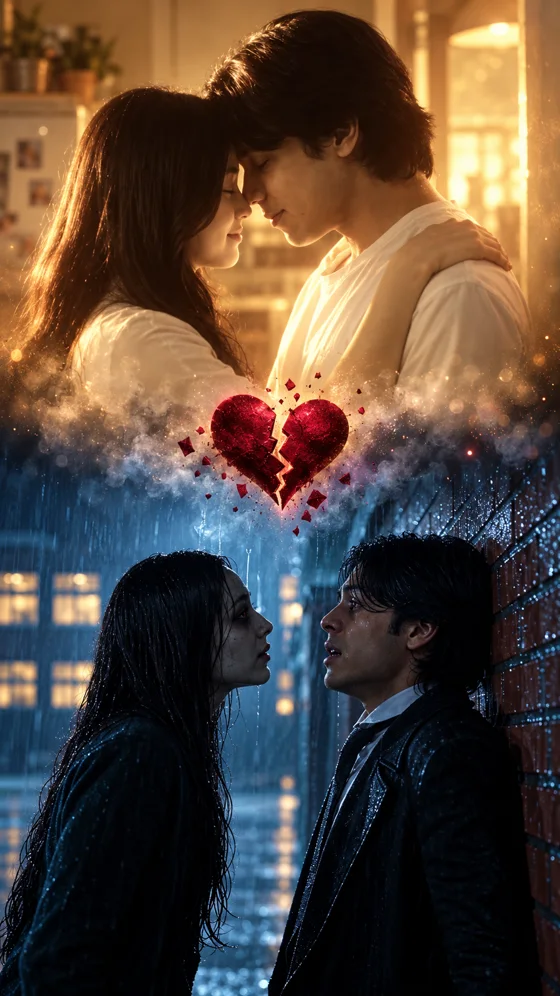
The studio currently offers one story: “Forever means forever.” Recognition in a dark room leads to putting down a weapon, embracing and a beach memory. No prompt is required; custom stories and older scenes are unavailable. The preview is for viewing and is not sent to the model as a reference video. Exact reproduction is not guaranteed.
Build the story around recognition
The hug gives the zombie scene its emotional meaning. The intended action moves from hesitation to a gentle embrace rather than an attack. The survivor is an adult, and the prompt asks for a non-graphic fictional scene with no shot fired. The selected template supplies the atmosphere, while your photos supply the subjects.
The studio currently offers one story: “Forever means forever.” Recognition in a dark room leads to putting down a weapon, embracing and a beach memory. No prompt is required; custom stories and older scenes are unavailable. The preview is for viewing and is not sent to the model as a reference video. Exact reproduction is not guaranteed.
Two photos, fixed roles
Upload two separate adult portraits. Photo 1 is the survivor and photo 2 is the infected partner; both appear healthy in the memory scenes. Pet inputs, shared photos and role swapping are not currently supported.
Photos that make the subjects clear
Upload two separate adult portraits. Photo 1 is the survivor and photo 2 is the infected partner; both appear healthy in the memory scenes. Pet inputs, shared photos and role swapping are not currently supported.
Use evenly lit portraits with a clear face, without sunglasses, strong filters or obstructions. Each photo must show one adult. Use JPG, PNG or WebP up to 5 MB, with dimensions of 300–6000 px and an aspect ratio between 2:5 and 5:2. Obtain permission from everyone pictured.
Make your zombie hug
- Sign in, then watch the current story preview.
- Upload two portraits in the fixed order shown on the photo fields.
- Keep the defaults or expand Model & settings to change model, duration and quality.
- Confirm photo permissions, review the credit quote and click Generate.
- Follow progress beside the Generate button or in My videos, then preview and download.
The default is Seedance 2.0 Mini, 8 seconds, 480p and 9:16, currently quoted at 8 credits. Choose from four models, 5/8/10/12/15 seconds and 480p/720p; settings update the quote. The Single pack is $7.99 for 10 credits, enough for one default video or two 5-second 480p Standard videos. Matching music is added after rendering.
Input rejection does not charge video credits. Confirmed rendering failures return reserved credits. Failed music assembly can be retried without generating the video again.
A short caption for an affectionate scene
- Still you. Still a hug.
- Even at the end of the world, come here.
- Whatever happens to the world, I will find you.
Use a caption that makes the fictional nature of the scene clear when needed. Add your own music or final memory photo after downloading if you want a more personal ending.
Reference film still. Your generated video will vary.